Users
Create User
In Admin > Users, admins can create, modify, and delete user accounts.
- Navigate to Admin > Users.
- Click New.
-
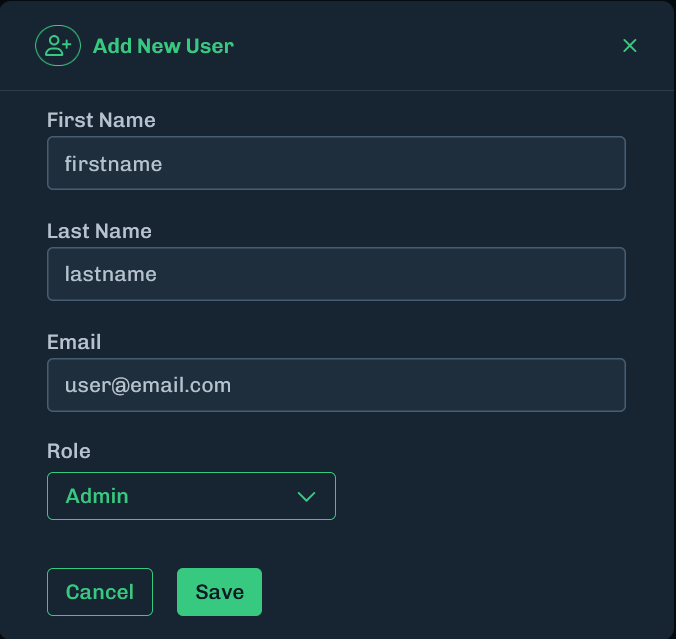
Fill in the user information and select a role.
-
click Save.
-
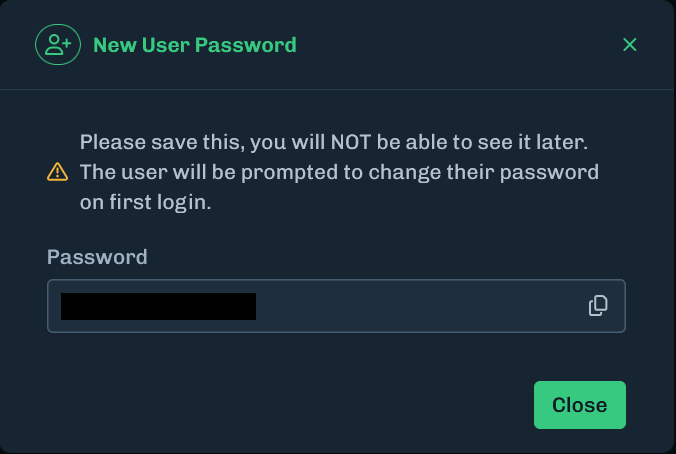
Copy the displayed temporary password so it can be given to the new user.
- It is important to copy this temporary password as it cannot be accessed again after closing the modal.
- If the password is not saved, you will need to reset the password for the user.
Defined Roles
The AISec Platform provides defined roles that you can assign your users to. To assign a role to a user, see Create User or Edit User.
The following table shows permissions for each role.
- Admin: Can view all pages, has access to the admin section, and can manage users (add, edit, change role, and delete users).
- User Admin: Can manage users (add, edit, change role, and delete users).
- Analyst: Can view all data and interact with the Model Inventory, Models, and Detections. Does not have access to the administrator functions.
- Viewer: Read-only access to the AISec Platform and does not have access to the administrator functions.
| Page | Action | API Permission |
|---|---|---|
| Model Inventory | View | Model Inventory: Read |
| Delete Model | Model Inventory: Delete | |
| Upload | Model Inventory: Write | |
| Community | Model Inventory: Write | |
| Model Details | View | Model Inventory: Read |
| Detections | List | Detections: Read |
| View Details | Detections: Read | |
| Add Note | Detections: Write | |
| Close Detection | Detections: Write | |
| Review Inferences (Model Details and AIDR) | View | Inferences: Read |
| Admin Settings - Users | View | Users: Read |
| Create User | Users: Write | |
| Edit User | Users: Write | |
| Delete User | Users: Delete | |
| Admin Settings - API Keys | View | API Keys: Read |
| Create API Key | API Keys: Write | |
| Delete API Key | API Keys: Delete | |
| Admin Settings - SSO Providers | View | Integrations: Read |
| Create | Integrations: Write | |
| Configure | Integrations: Write | |
| Enable | Integrations: Write | |
| Disable | Integrations: Write | |
| Delete | Integrations: Delete | |
| Admin Settings - Integrations | View | Integrations: Read |
| Azure ML | Integrations: Write | |
| Sentinel | Integrations: Write |
Reset Password
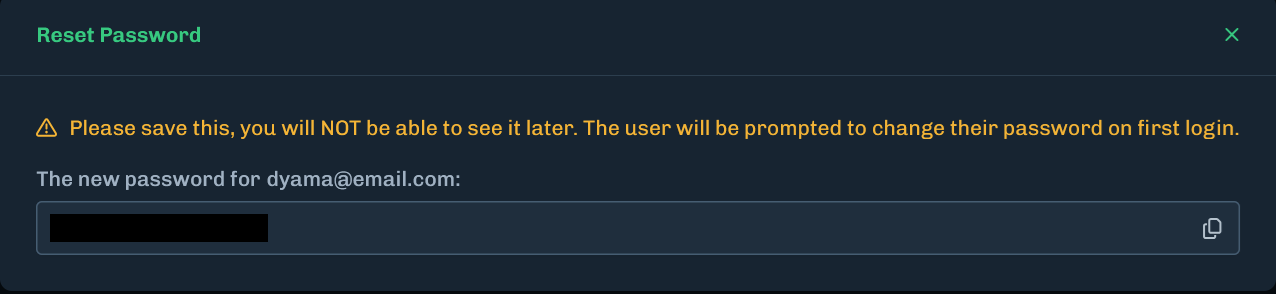
Administrators can reset user passwords. Make sure you save the new password because you cannot view it later.
- Navigate to Admin > Users.
- For the user that requires a password reset, click Actions then Reset Password.
-
Copy the displayed temporary password so it can be given to the new user.
- It is important to copy this temporary password as it cannot be accessed again after closing the modal.
- If the password is not saved, you will need to reset the password for the user.
Edit User
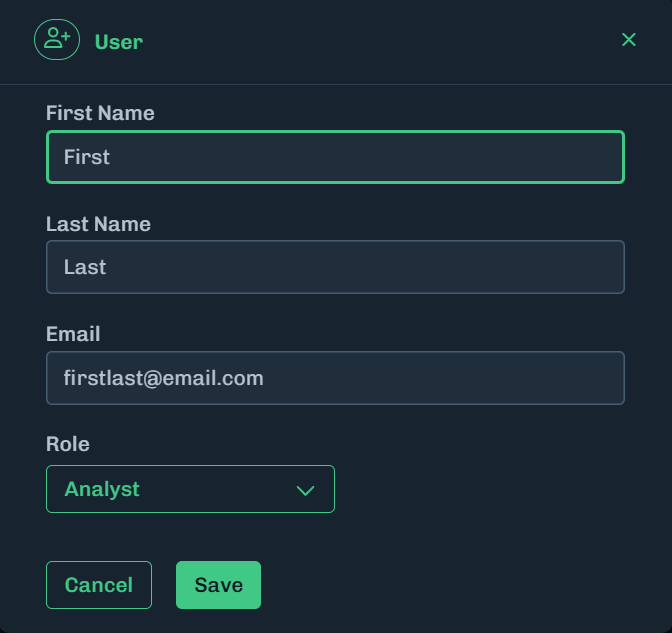
Administrators can edit users to change their first name, last name, or email address.
-
To edit a user, click Actions > Edit User.
-
Edit the user’s information.
- Click Save.
Delete User
Administrators can delete users from the AISec Platform.
-
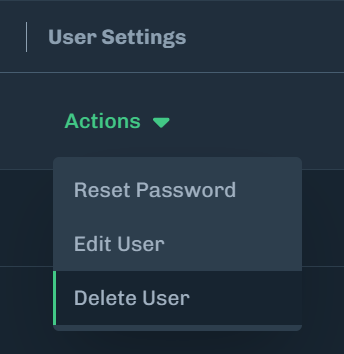
To delete a user, click Actions > Delete User.
-
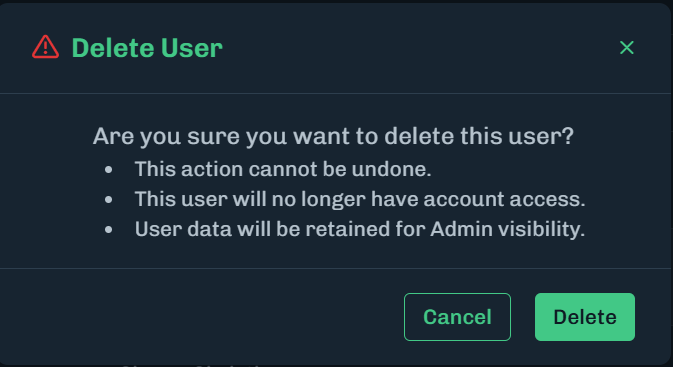
A message displays asking you to confirm deleting the user.
-
Click Delete.