Audit Log
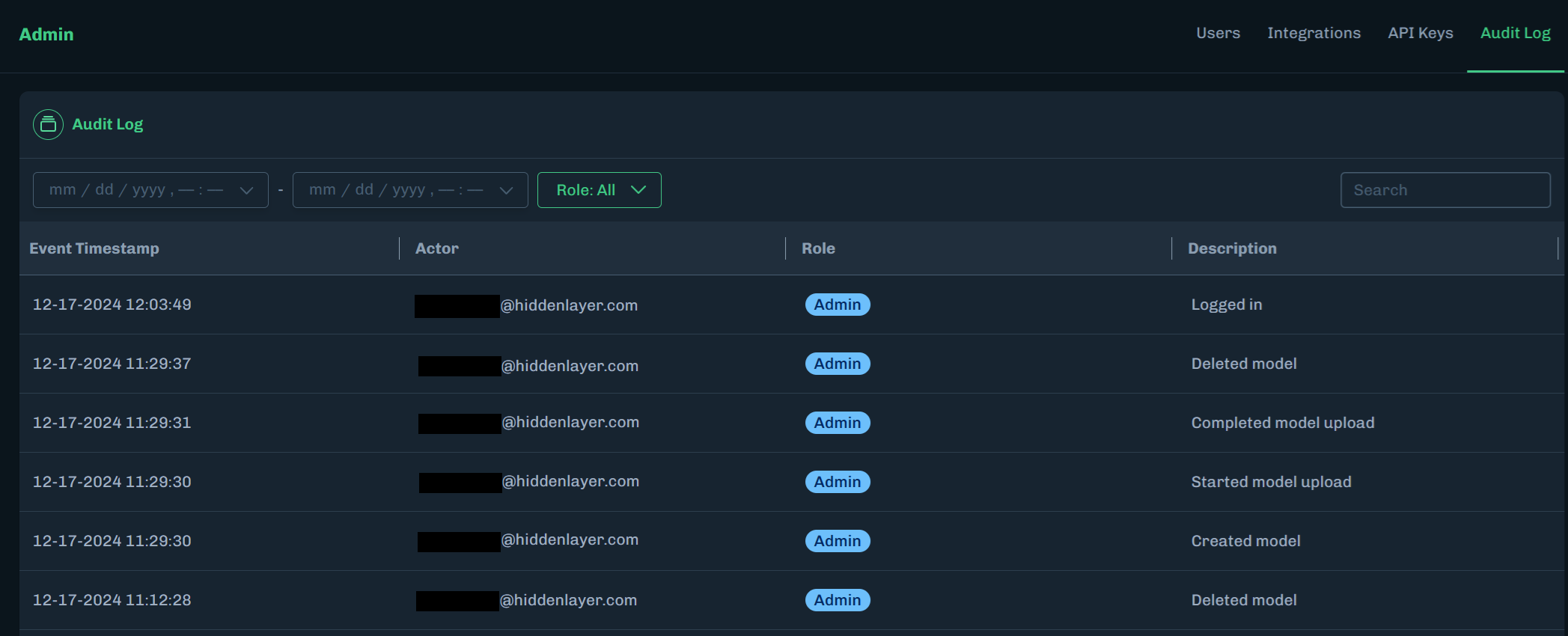
Administrators can view the Console audit log to see user activity in the Console.
Information gathered includes: the event timestamp, the user’s email address, the user’s assigned role, and a description of the activity (examples: Logged in, Created model, Updated user).
-
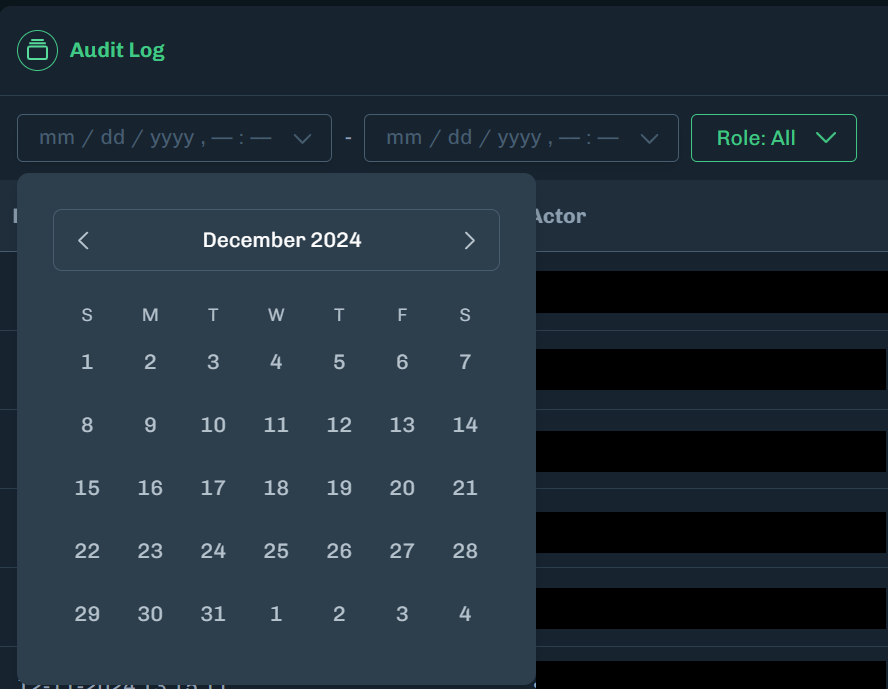
Select a start date and end date to display audit log activity that occurred within the selected dates.
-
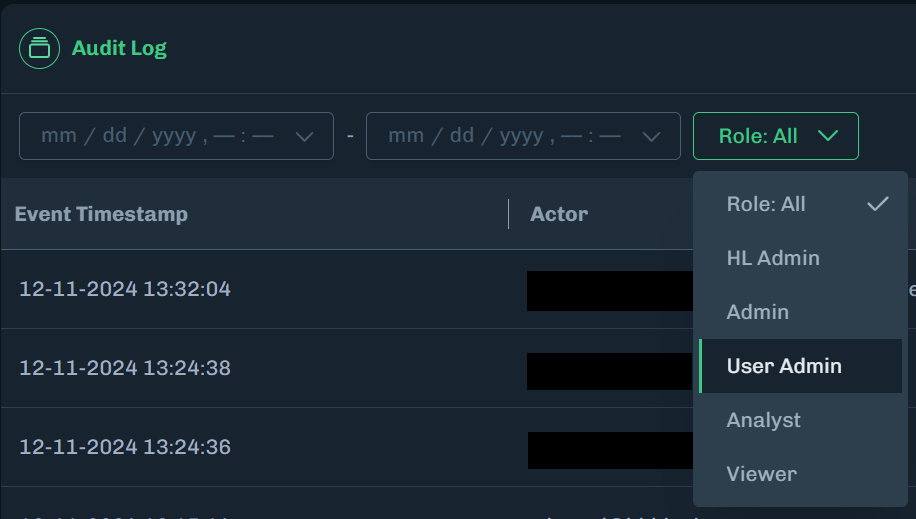
Select a role to display audit log activity based on a user’s assigned role.
-
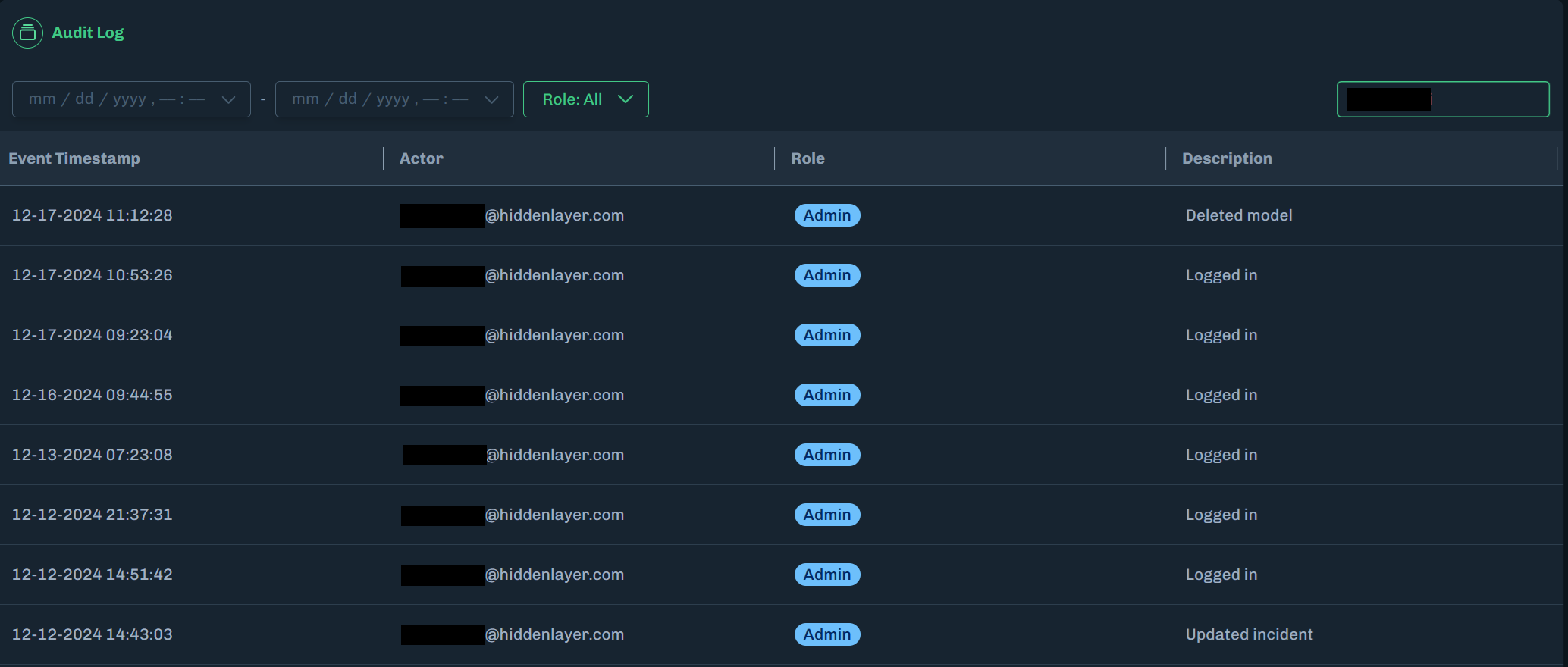
Use the search field to display audit log activity based on the user’s email address.
Email Search
You must enter the full username in the email address. If the user’s email address is username@email.com, then use username to search by the email address.
Audit Log Descriptions
The following are audit log description categories and the associated log entries.
| Category | Log Entry |
|---|---|
| API Key Management |
|
| EULA |
|
| Incident |
|
| Model |
|
| User |
|