Detections and Detection Summary - AIDR
Model Detections and All Detections Pages
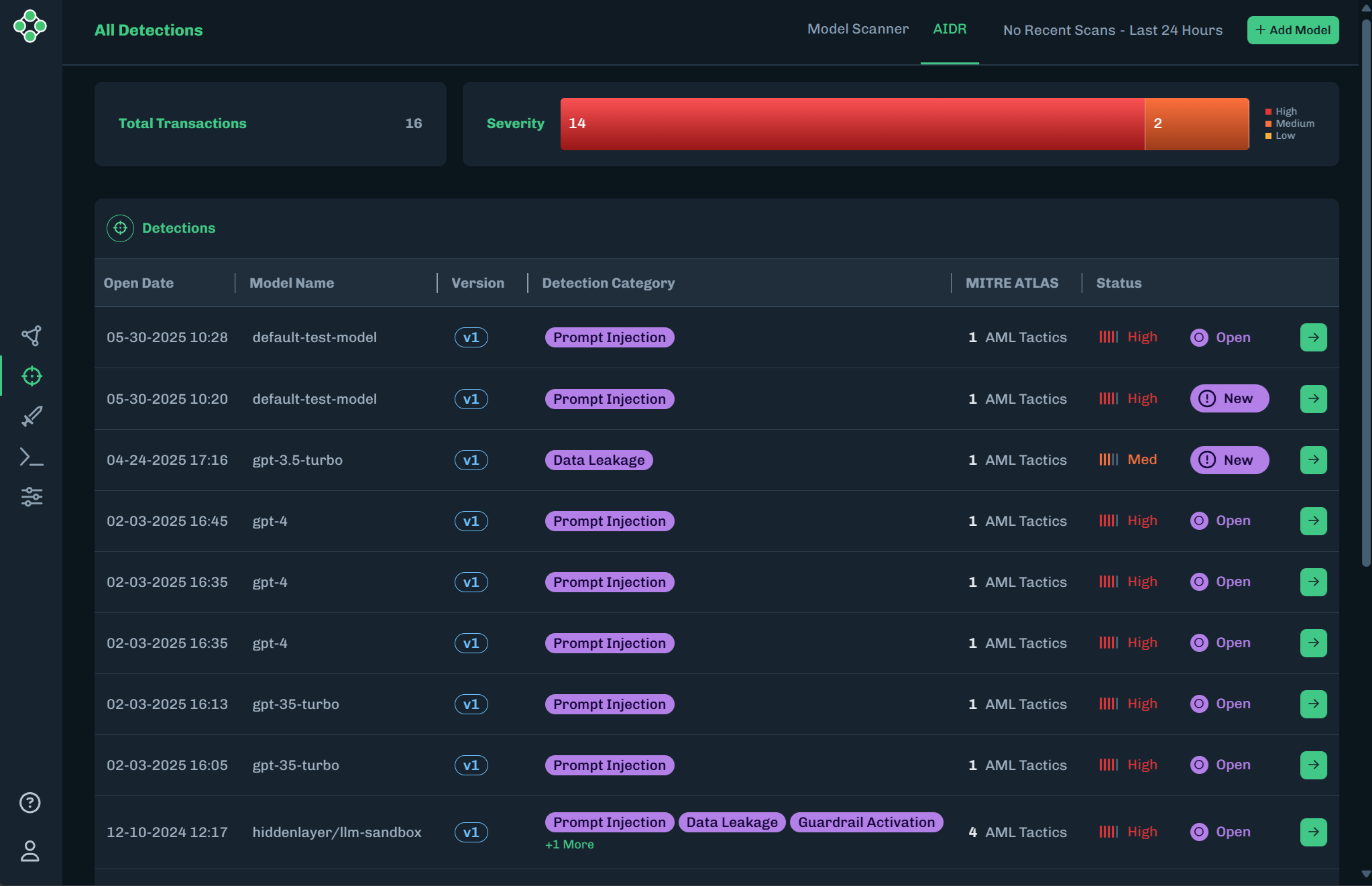
The Model Detections and Detection All pages displays AIDR (MLDR) detections for all associated versions and models. The AI Artifacts and AIDR (MLDR) Detections pages make it easier to manage and analyze model-related attack monitoring data for Individual models and all models with mirroring functionality accessed via the main navigation (All Detections) or within a model under Detections. The page displays a total transactions visualization displayed by high, medium, and low severity and an easily actionable data table organized by open date, detection name, severity, and status, with each row being clickable via View Details. Detection status is categorized as New, an unopened detection; Open, a detection that a user within an organization has viewed; and Closed.
Detection Categories
Scan results include a Detection Category and Threat Level to provide some insight into risks related to the model file. See Detection Categories for more information.
Detection Summary Page
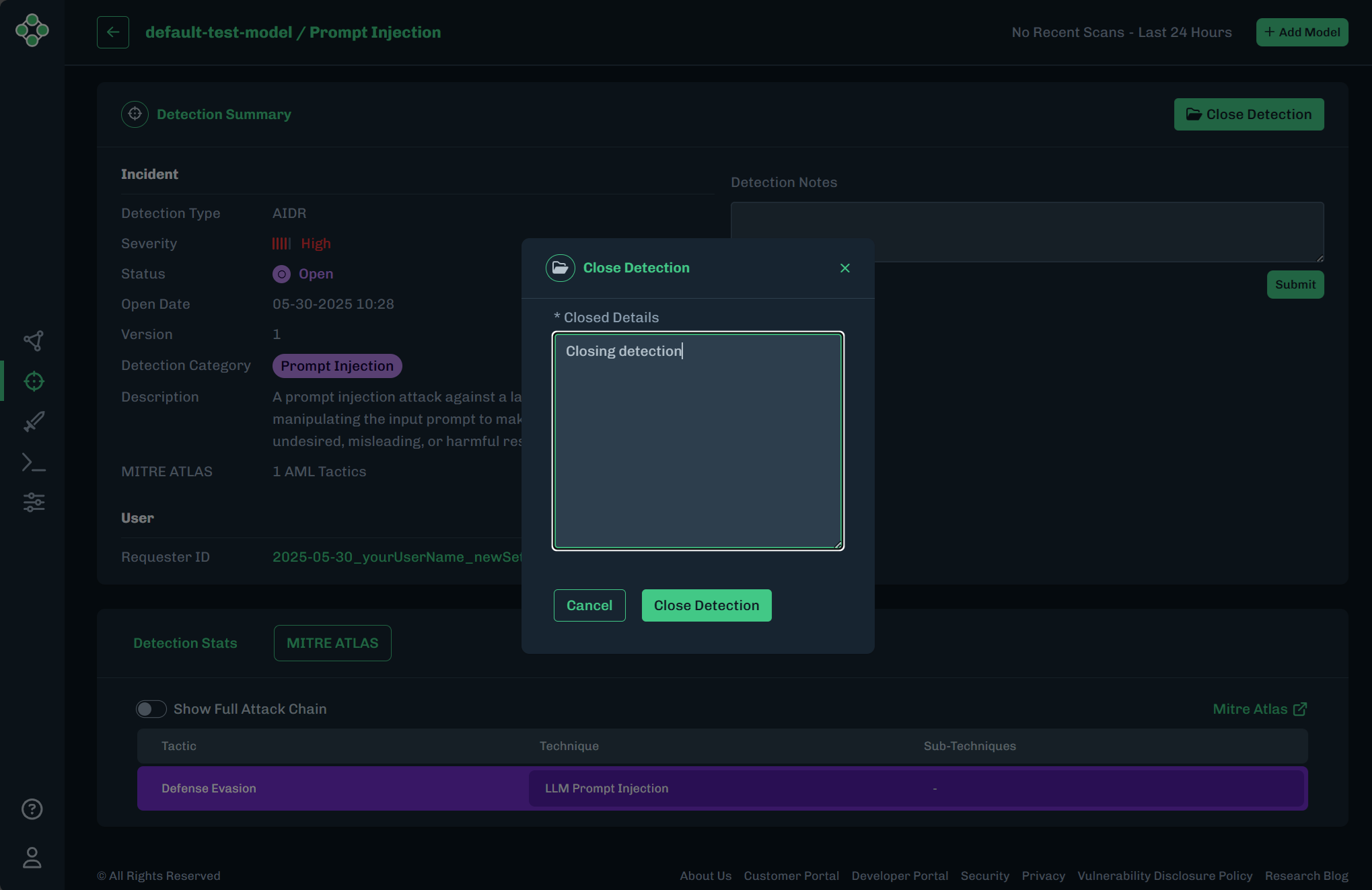
Offers a detailed summary of an AIDR detection and can interact intuitively with detection data. You can view AIDR (MLDR) Detection details along with the ability to add an observation note and close an open detection by providing their reasons and actions that brought them to that decision.
- In the console, in the side menu, click the target icon to view the Detections page.
-
Click the AIDR tab, in the top menu, to view the AIDR detections.
-
Find the detection you want to view, then click the green arrow to go to the summary page.
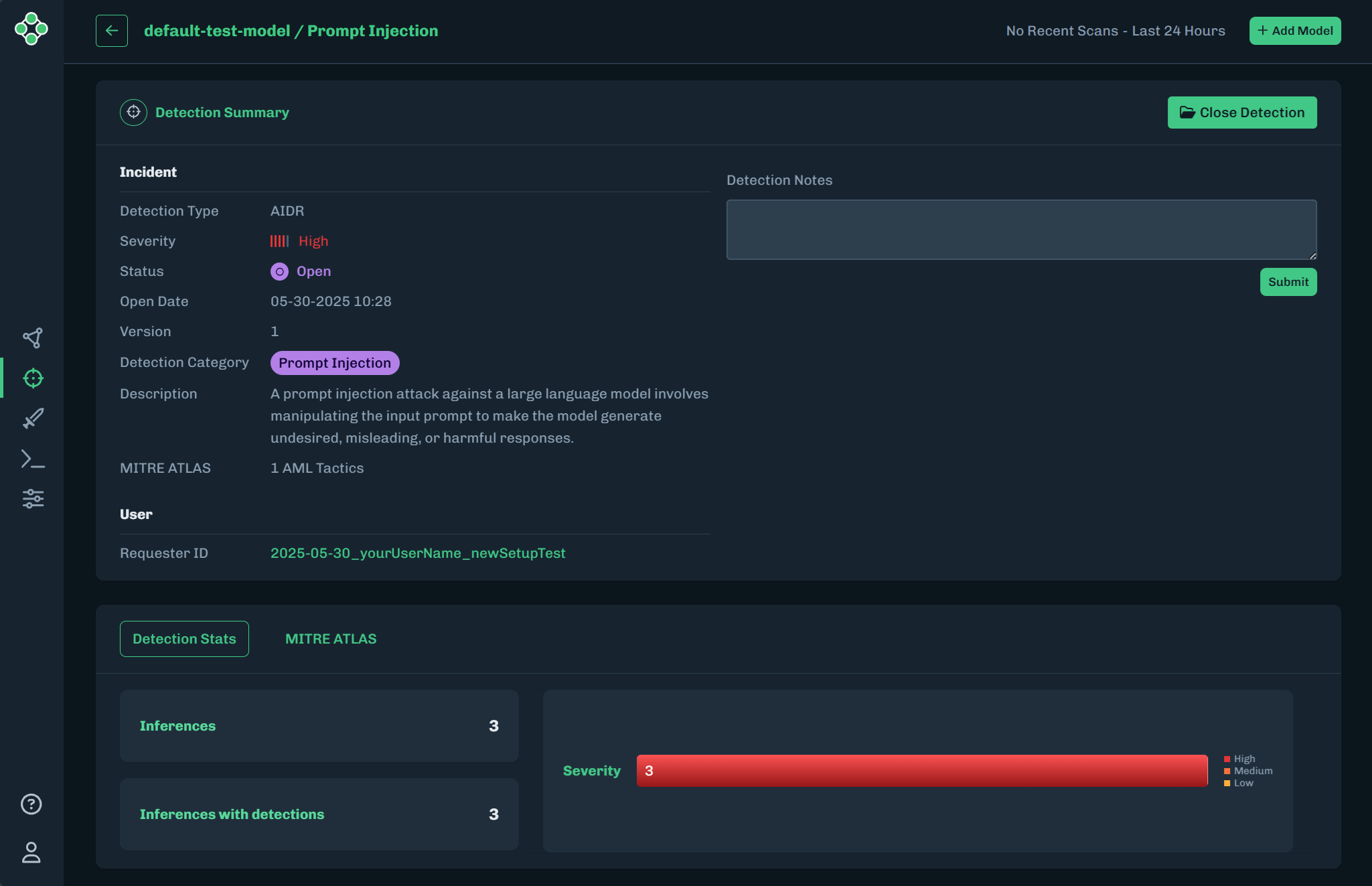
The Detections Summary page provides you with detailed information on the detection type, severity, detection status (open or closed), open date, version, detection name, description of the detection type, requestor ID, and the Mitre ATLAS technique.
-
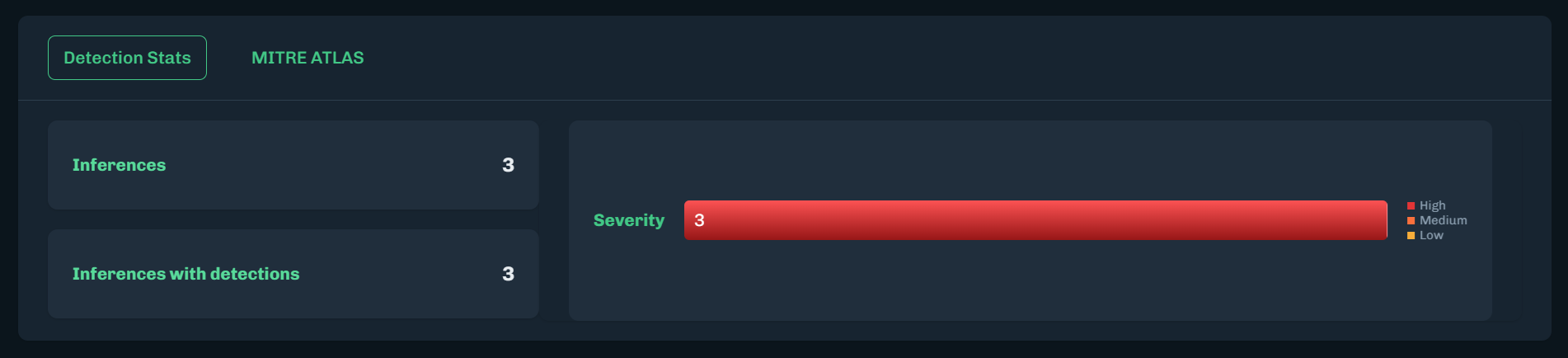
The Detection Status, at the bottom of the page, provides additional information to understand the relationship between Inference and Convictions, which results in a Detection severity verdict.
-
Click the MITRE ATLAS tab to view a list of tactics related to this detection.
OPTIONAL: Click Show Full Attack Chain to see the full list of tactics.

-
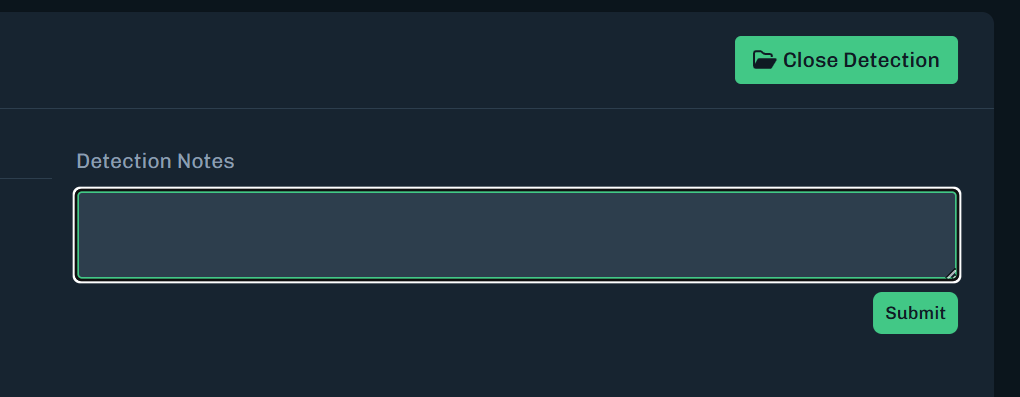
Based on the observations found in the detection summary section and Mitre ATLAS Panel to provide notes to communicate with other members of your team.
-
Once actions have been made to resolve the detection, you can click the Close Detection button to provide closing details to make the decision to close the detection.